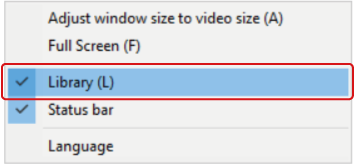
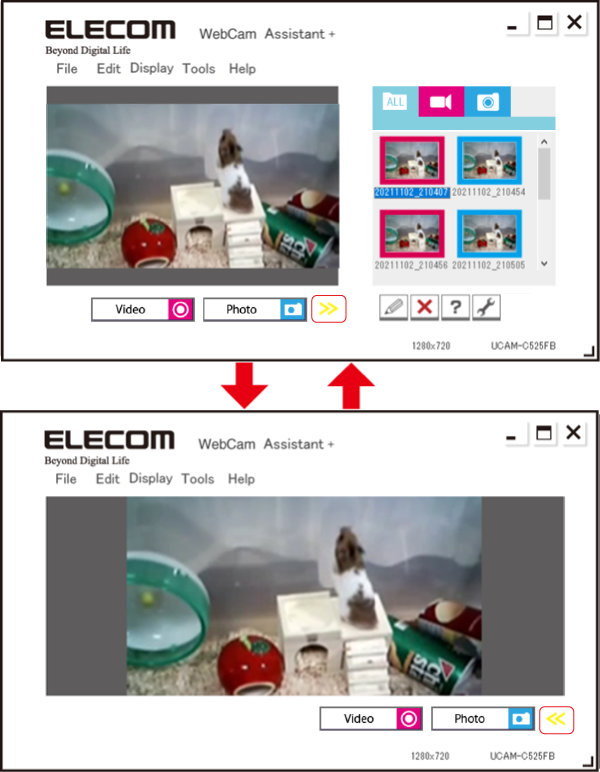
Show / hide the library
Use tabs to switch the type of file to be displayed.
Click on the Library tab to switch between the types of files displayed in the library.
- Display all
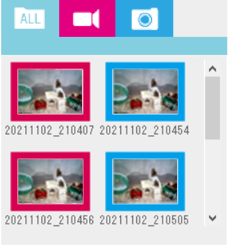
- Display videos only
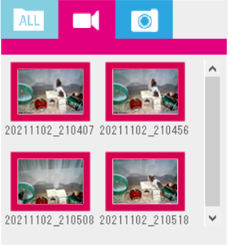
- Display photos only
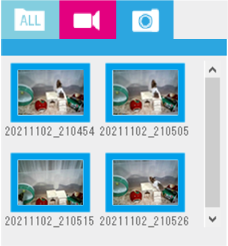
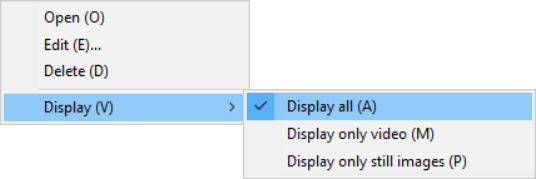
Use the right-click menu to switch the file type to be displayed.
Use the right-click menu to switch the type of files displayed in the library.
Show/hide the library
- Pressing the library display switching button toggles library display ON/OFF.
- You can also switch to the Library menu in the View menu.